See Pickstuff in action, screen by screen.
A more concrete view of the product: capturing feedback, prioritization, tracking, and communication. This page highlights the main product surfaces with screenshots and context.
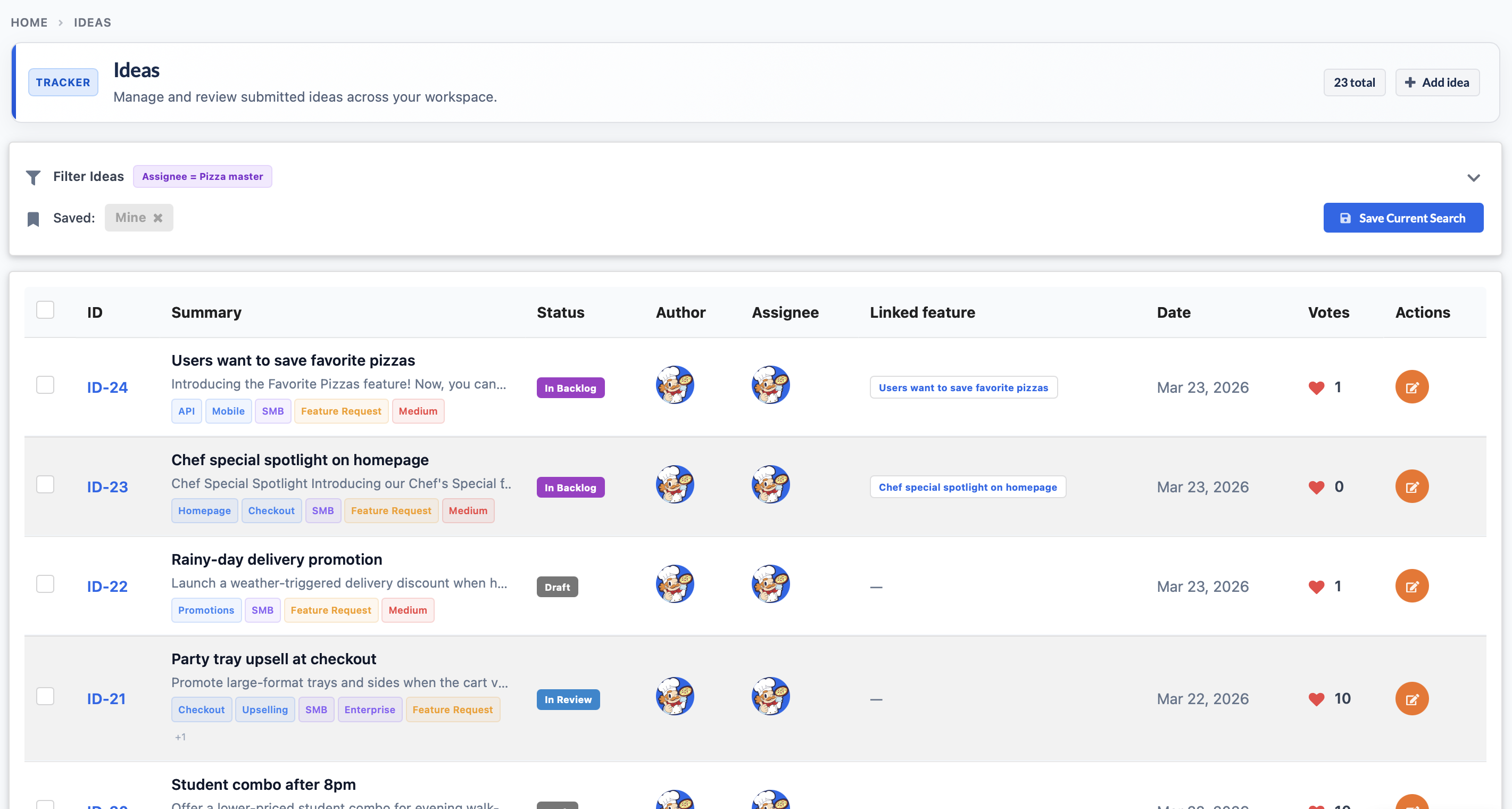
Ideas list with demand, ownership, and linked execution
The ideas tracker is where raw demand becomes an operational backlog. Status, assignee, votes, tags, and linked features stay visible in one list.
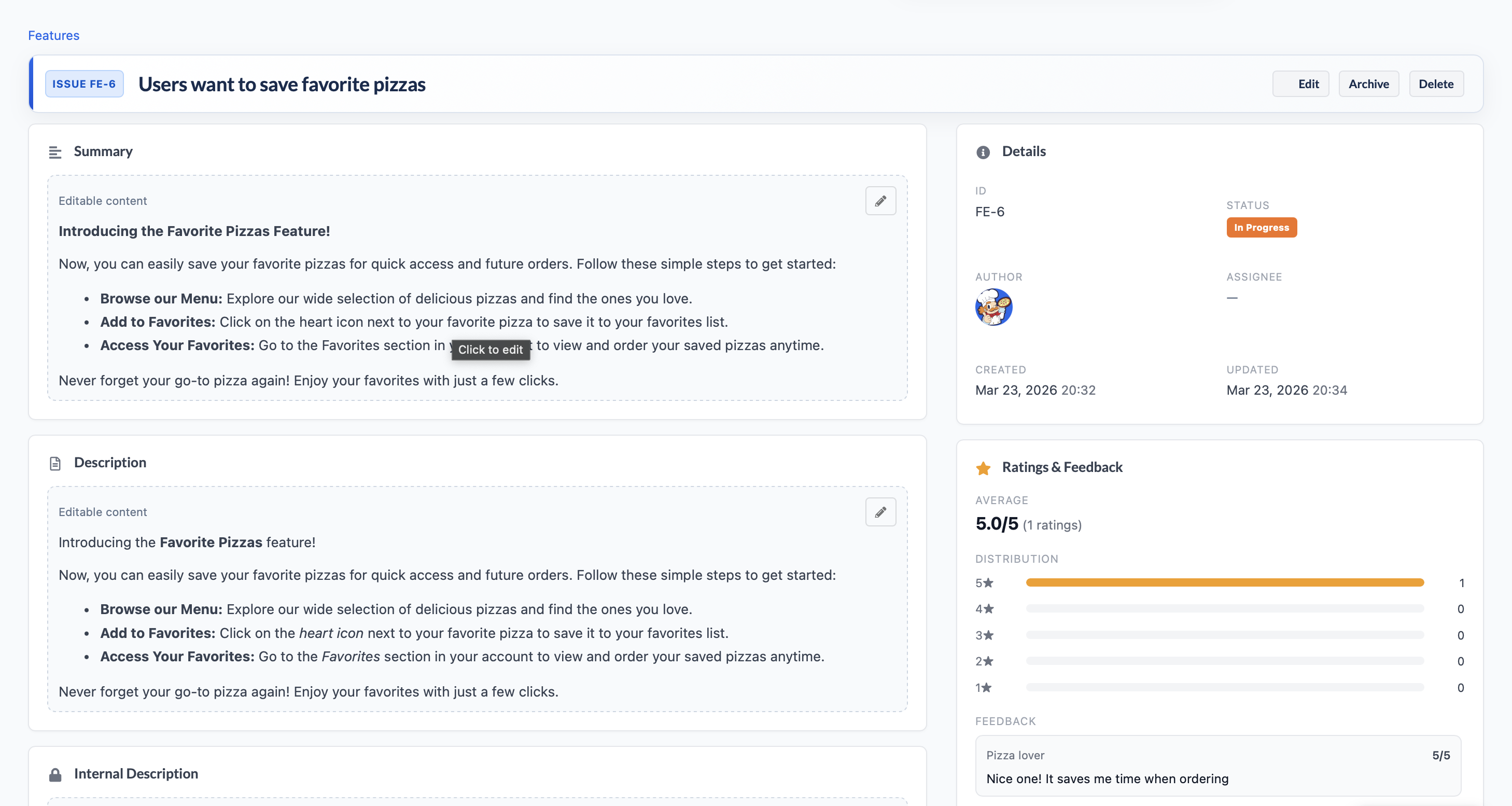
Feature detail page with ratings and structured context
Feature pages combine editable summaries, ratings, and customer feedback so the team can evaluate importance and progress without switching tools.
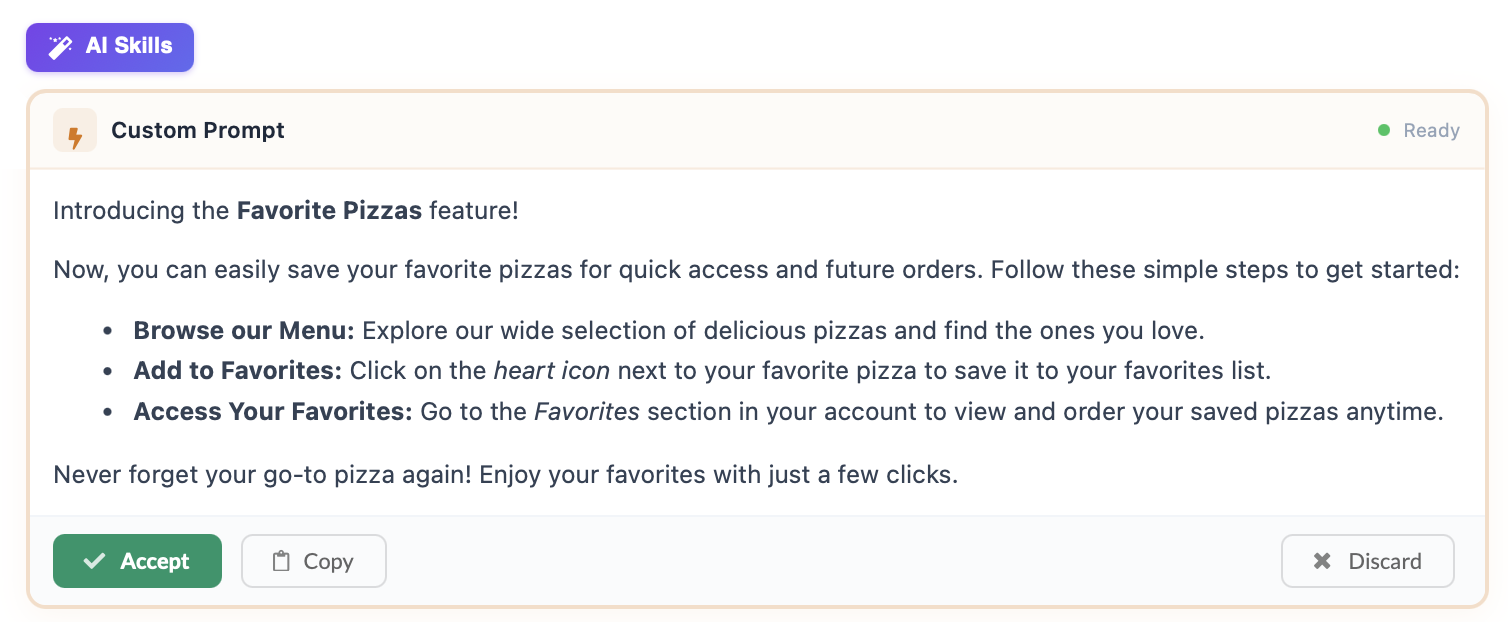
AI skills turn rough drafts into publishable copy
Custom prompts and AI skills help teams draft clearer release notes, updates, and customer-facing communication without starting from a blank page.
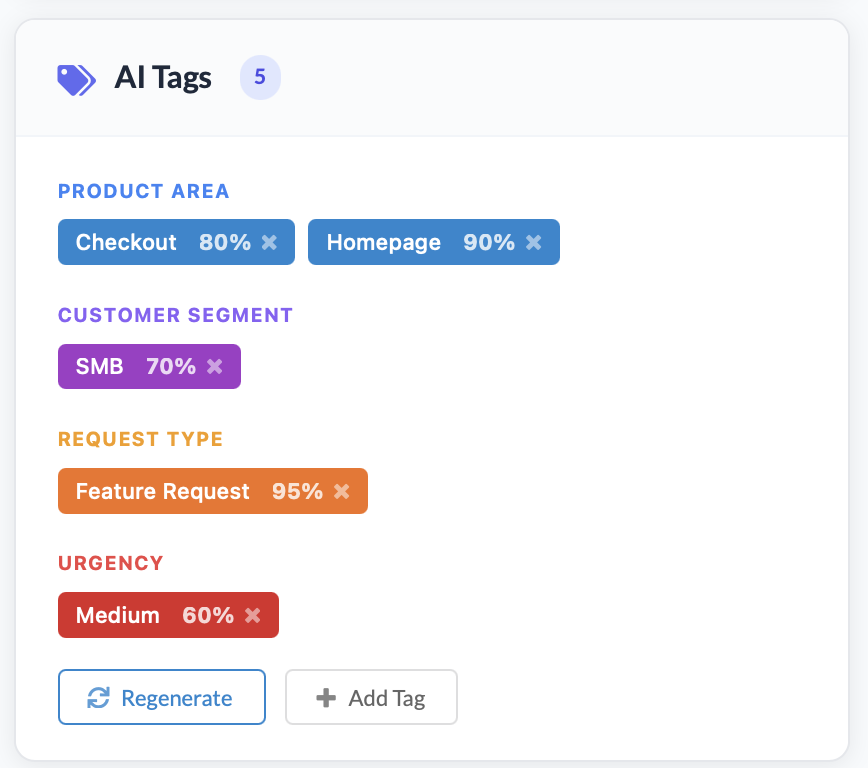
AI tags categorize demand by area, segment, request type, and urgency
Automatic tagging gives teams a faster way to segment incoming requests and spot patterns across the backlog.
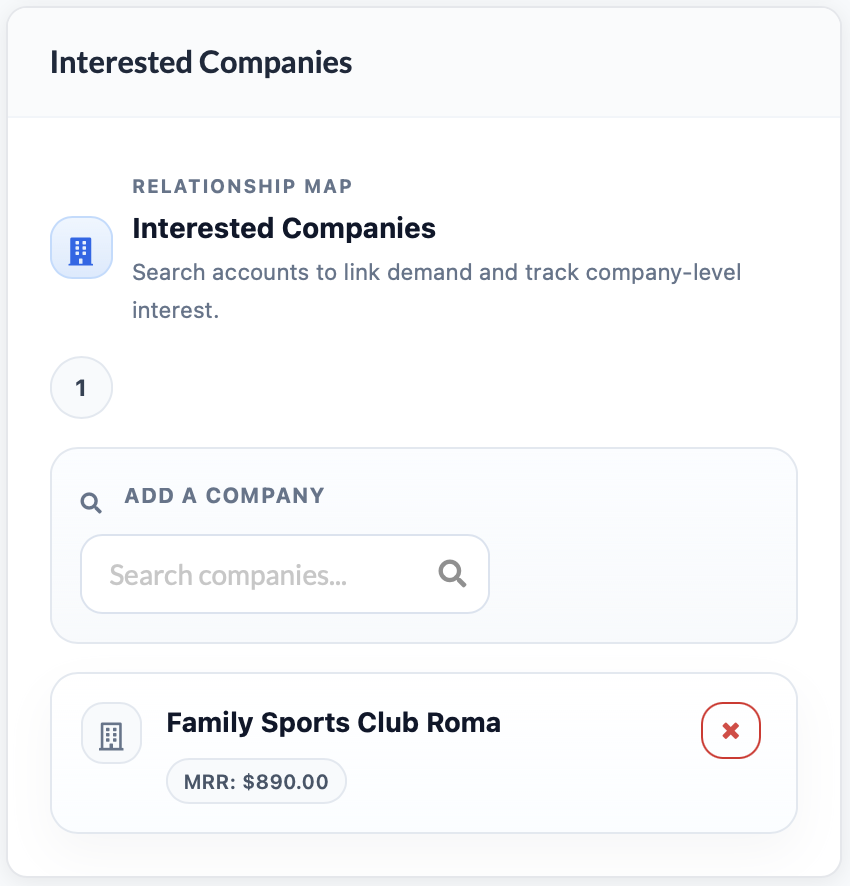
Interested companies and financial impact keep prioritization grounded
Account-level interest and revenue context turn product prioritization into a commercial decision, not just a subjective discussion.
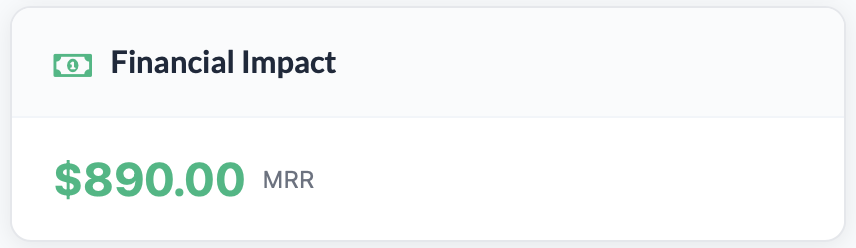
Financial impact is visible at the request level
Potential impact stays attached to the work, which helps PMs and founders compare opportunities with more clarity.
Public feedback and sentiment are preserved alongside the request
Teams can keep qualitative customer signal visible instead of losing it in disconnected support threads or documents.

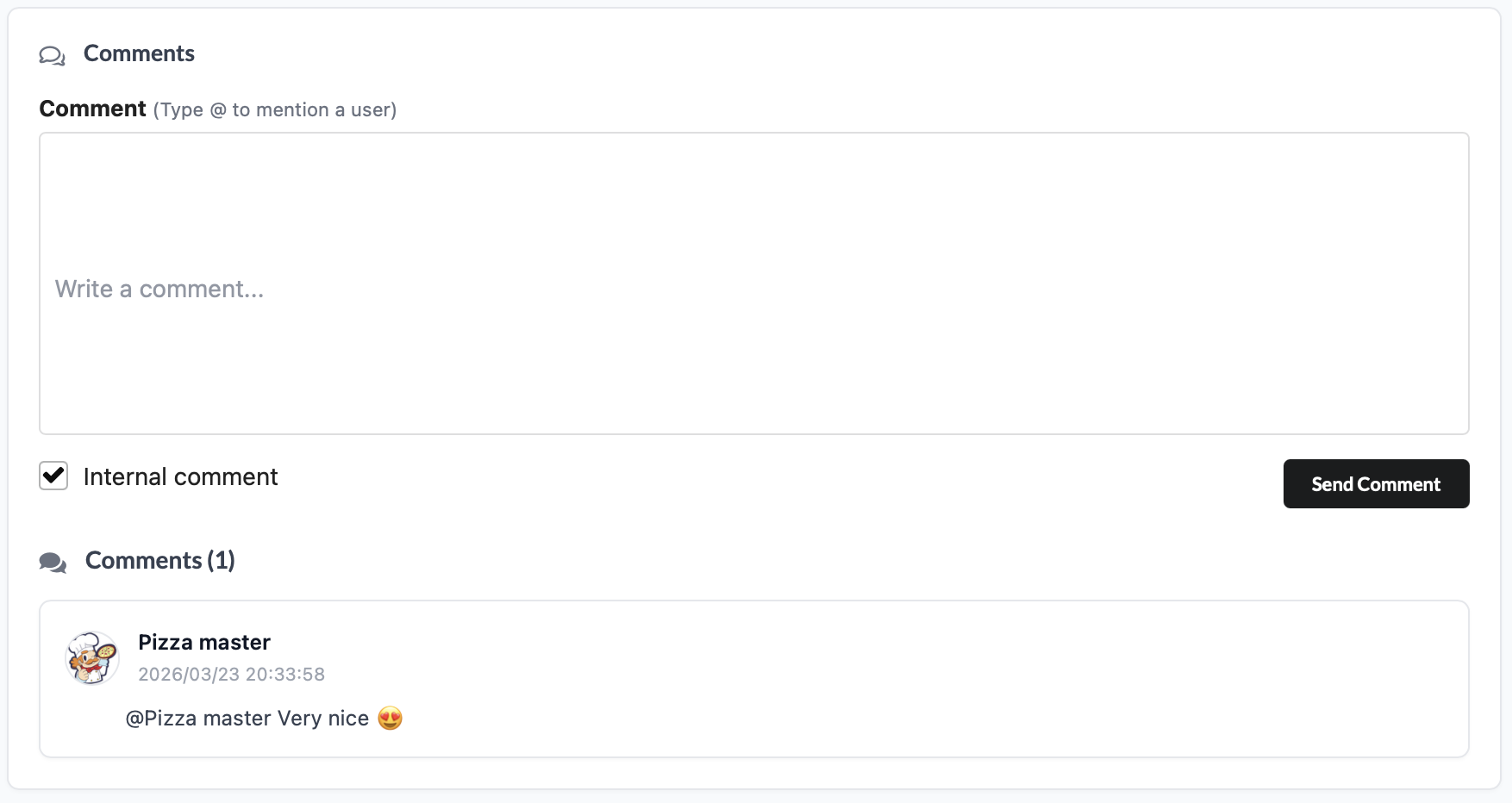
Internal comments support review and alignment
Comments make it easy to coordinate on the request directly where the team is already reviewing context and deciding next steps.
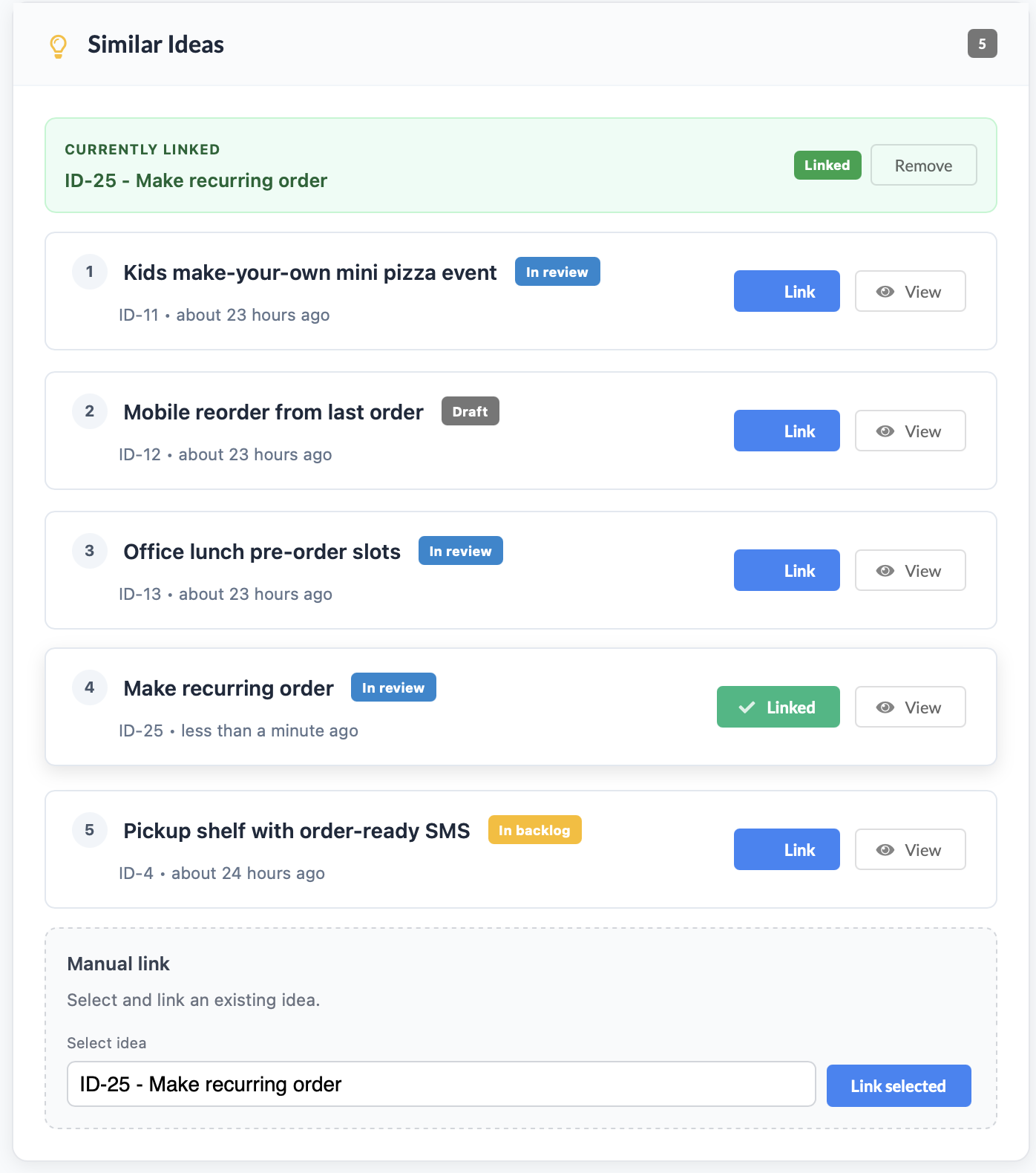
Similar ideas can be linked before duplicate work accumulates
The product helps teams spot overlap and connect related demand instead of letting the backlog drift into duplicates.
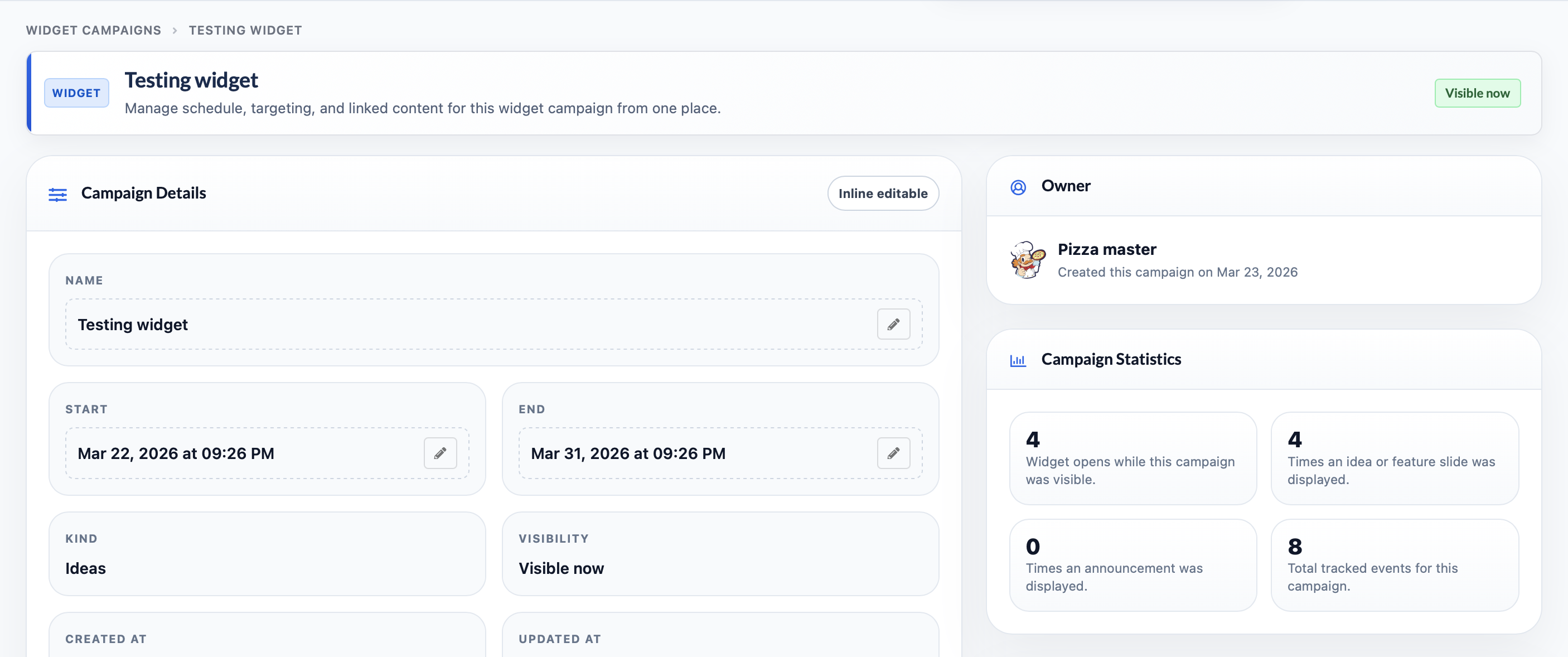
Widget campaigns extend the feedback loop into customer surfaces
Campaign setup, timing, ownership, and performance stay visible so communication and discovery are measurable, not improvised.
A dedicated space to show the product with real screens.
This page can evolve with more screenshots, zooms on AI workflows, and more specific use cases by role: PM, founder, support, or sales.